Skip to content

Changelog

What changed on the Aevy platform, newest first. Each entry links the guides that cover it.

Reveal lands on the exact passage

Documents

Clicking a fact or a citation now anchors the document to the actual matched passage, found by fuzzy text matching, instead of occasionally landing near it. The page was always right; now the highlight is too.

Covered in Lineage navigation

Smaller improvements, early July

Platform

Early July in brief. Filters for “is empty”, “is not empty”, and zero values now apply correctly. The @ mention search responds faster, and internal Aevy staff no longer appear in assignee or mention pickers. You are notified on replies to comments you are part of. Contacts exports carry an Asset column, and the reminders views are trimmed to the columns you triage by.

Covered in Filtering tables, Mentions, Reminders, Activity log and comments

User guides

Docs

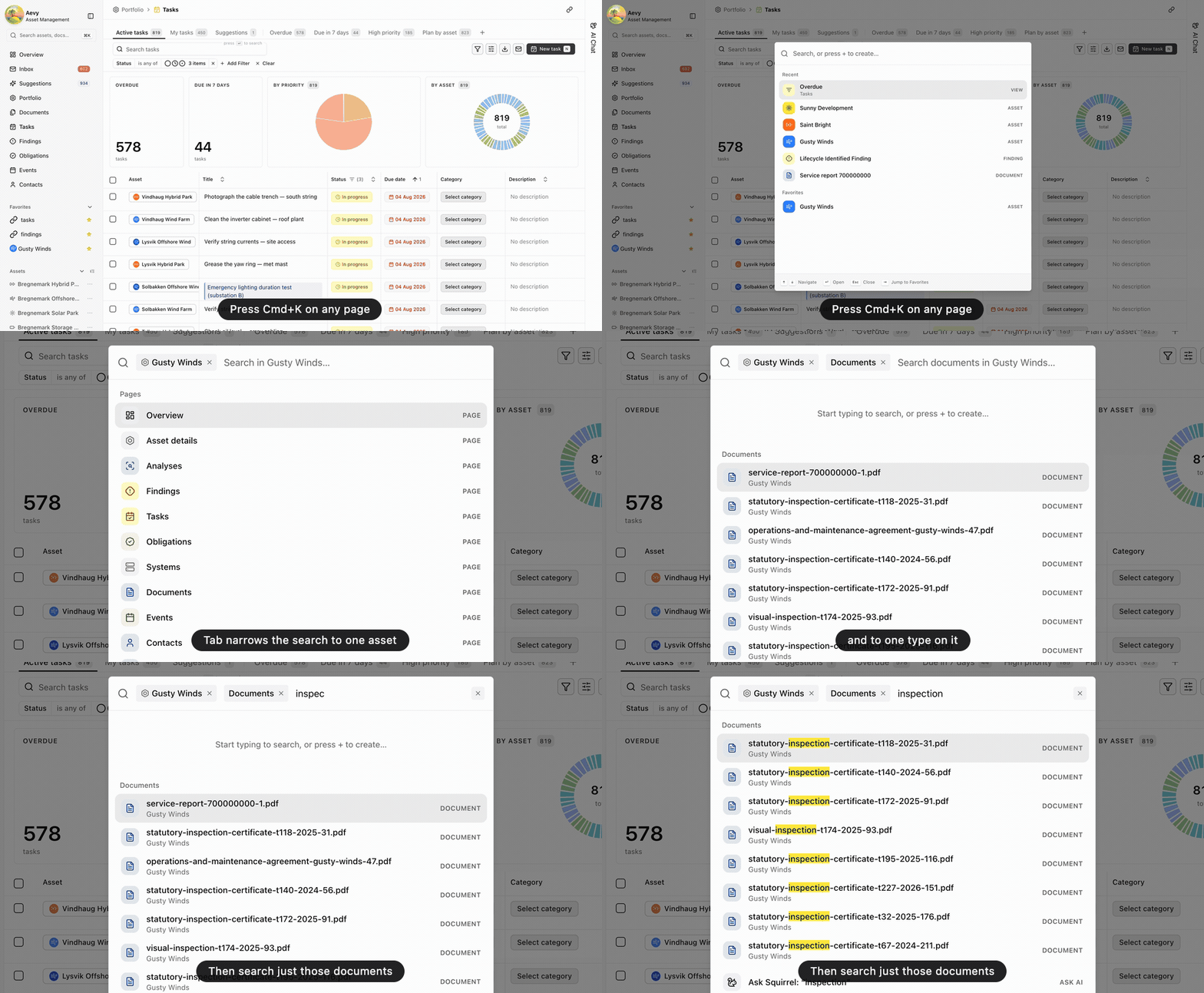
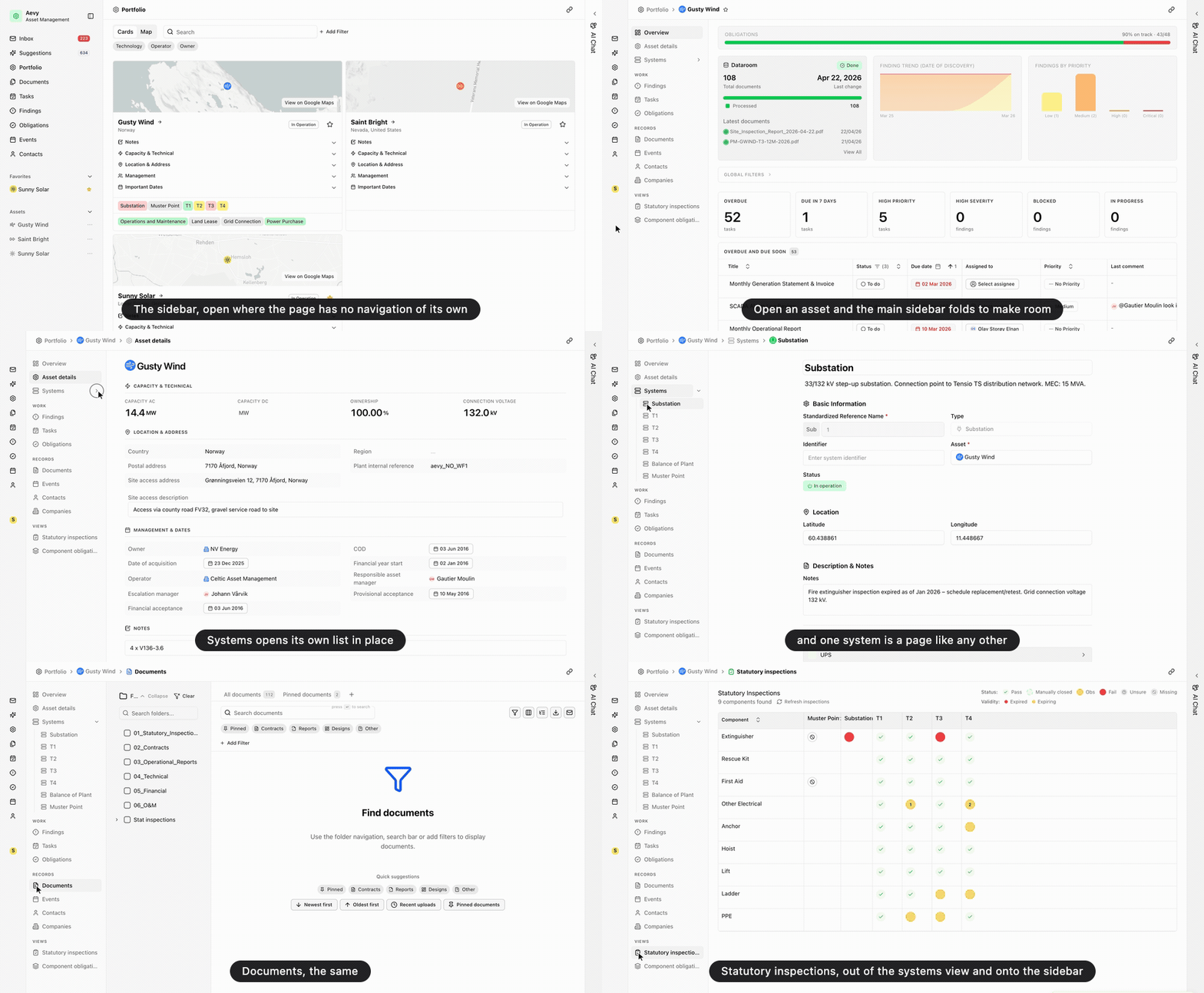
The Aevy user guides are live at docs.aevy.io: one guide per screen, with real screenshots, covering getting around, documents, systems, suggestions, Squirrel, and the work you track. New platform changes land here on the changelog, with the guides that cover them linked from each entry.

Covered in Getting around, Core concepts

Punchlist columns and quicker actions

Punchlist

The punchlist reads and acts faster: due-by and responsible-company columns joined the table, the default sorting shows the pressing items first, and you can comment on an item straight from the list without opening it. Holding Cmd or Ctrl while clicking a status badge resolves the task on the spot.

Covered in Punchlist

Suggestions review, rebuilt

Suggestions

Reviewing what Aevy proposes takes fewer steps and shows more of the evidence. Obligations appear in the context they came from, the source documents are resolved and shown on the card, and the whole card is clickable. Rerunning a document clears its duplicate suggestions automatically, and two new actions cover the common paths: accept and reprocess, and accept and complete.

Covered in Suggestions

Favorites and a resizable sidebar

Sidebar

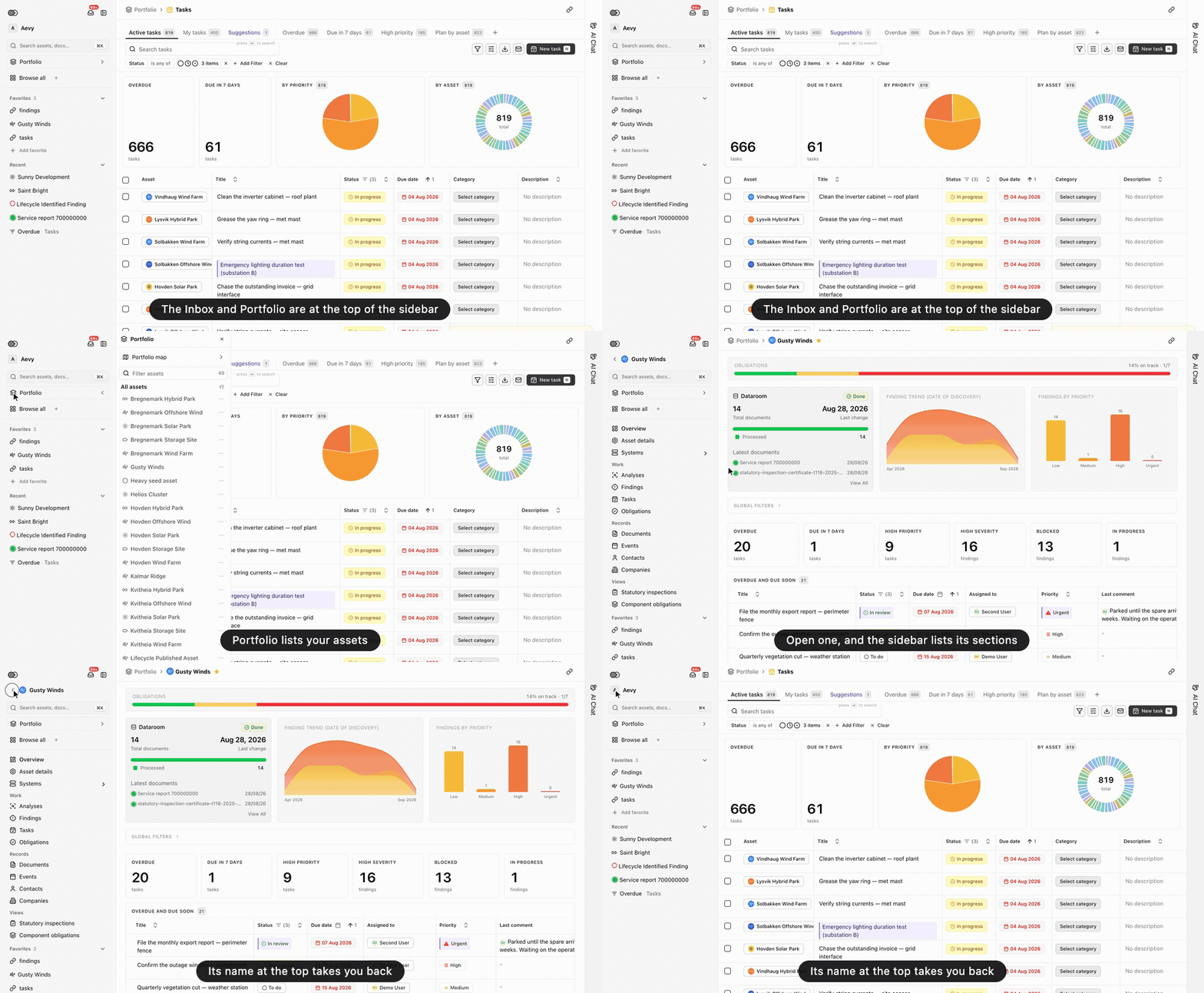
Star what you use most (assets, contacts, saved views) and it gathers in a Favorites section near the top of the sidebar. The sidebar itself now drags to the width you want, and when collapsed to the rail, favorites show as icons instead of overflowing.

Covered in Favorites and pinning, Getting around

Smaller improvements, June

Platform

A round of smaller June changes. Asset-scoped compliance shows the right items and its status tab follows your filter. Statutory inspection views load noticeably faster. Notification emails name the asset they concern. In Squirrel, requirements join documents, tasks, and events as clickable mentions, and chat tables gained copy and download. A sign-in redirect loop and a broken scroll on the document table are fixed.

Covered in Compliance and obligations, Systems and components, Mentions, Squirrel, Documents

Document gap analysis, sharper

ComplianceDocuments

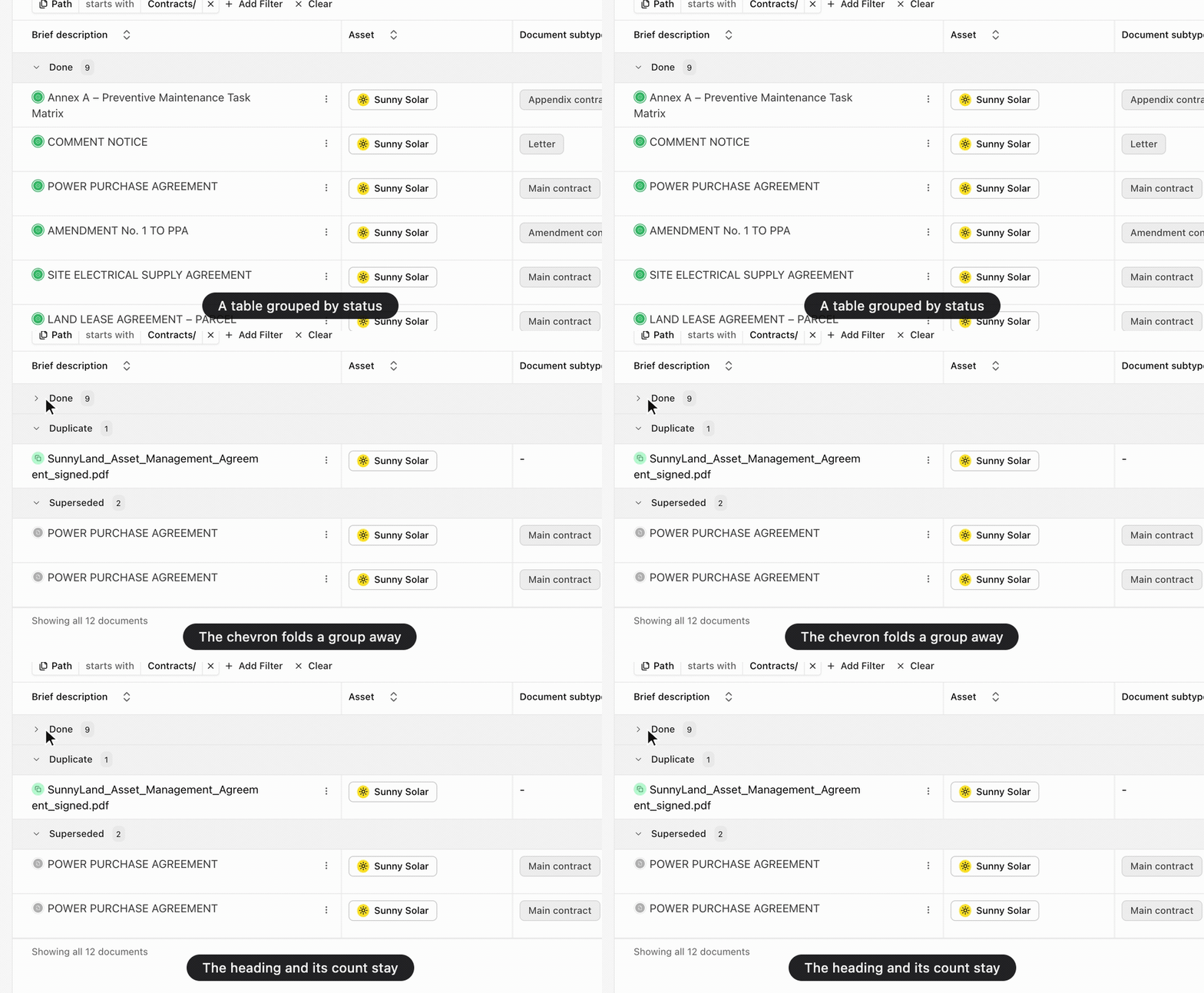
Gap analysis runs are now scoped and read the way a reviewer works: pick the reviewer perspective (Lender, Owner, or M&A), point the run at part of your source with a folder picker, and watch progress on a segmented bar. Findings from a run start as drafts you publish, instead of landing published the moment the run starts.

Covered in Compliance and obligations, Documents

More file types in document processing

Documents

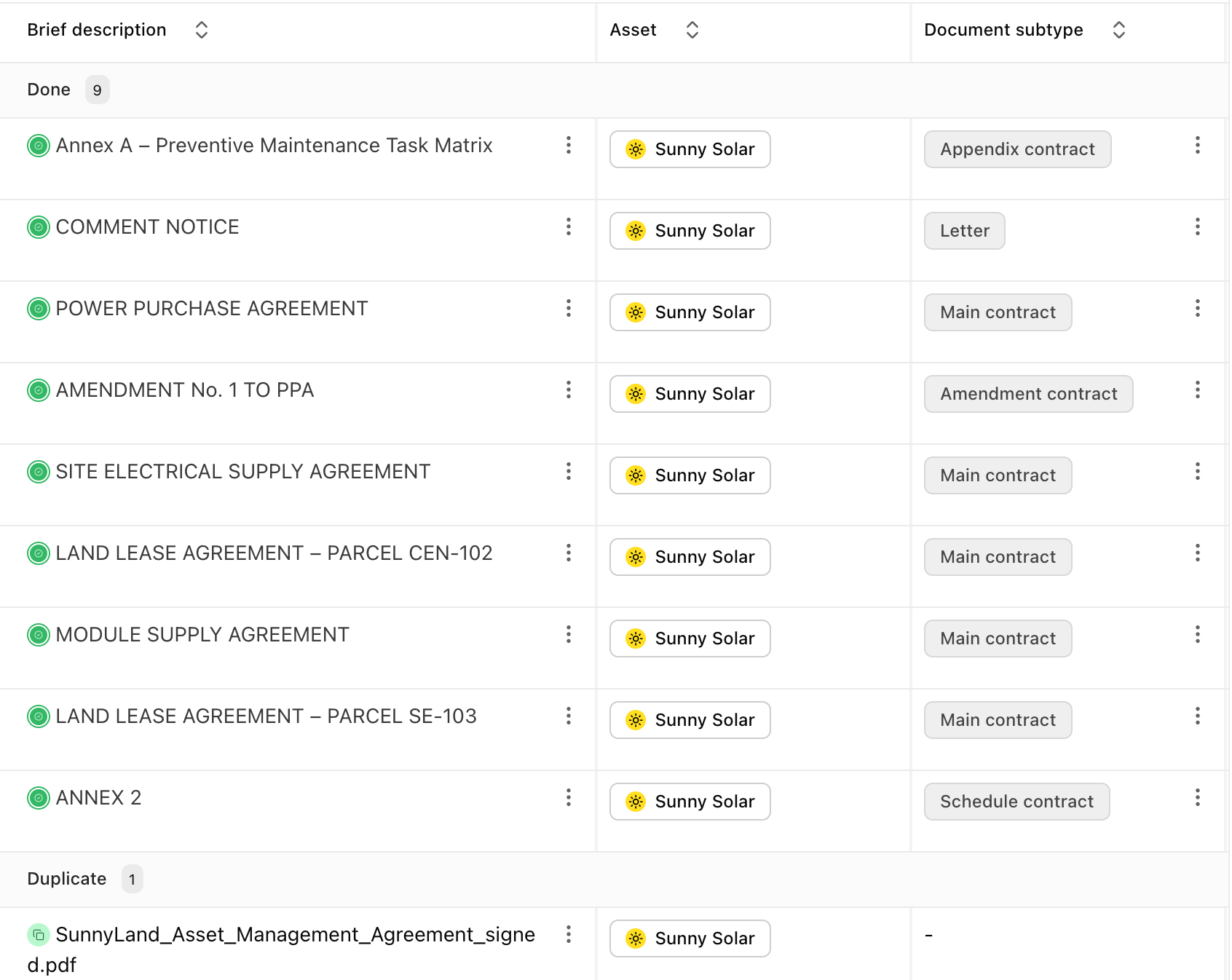
The document pipeline reads several new file types, so more of what lands in your source gets classified and its facts extracted, not just stored.

Covered in Documents

Bulk-edit tasks

RemindersPunchlist

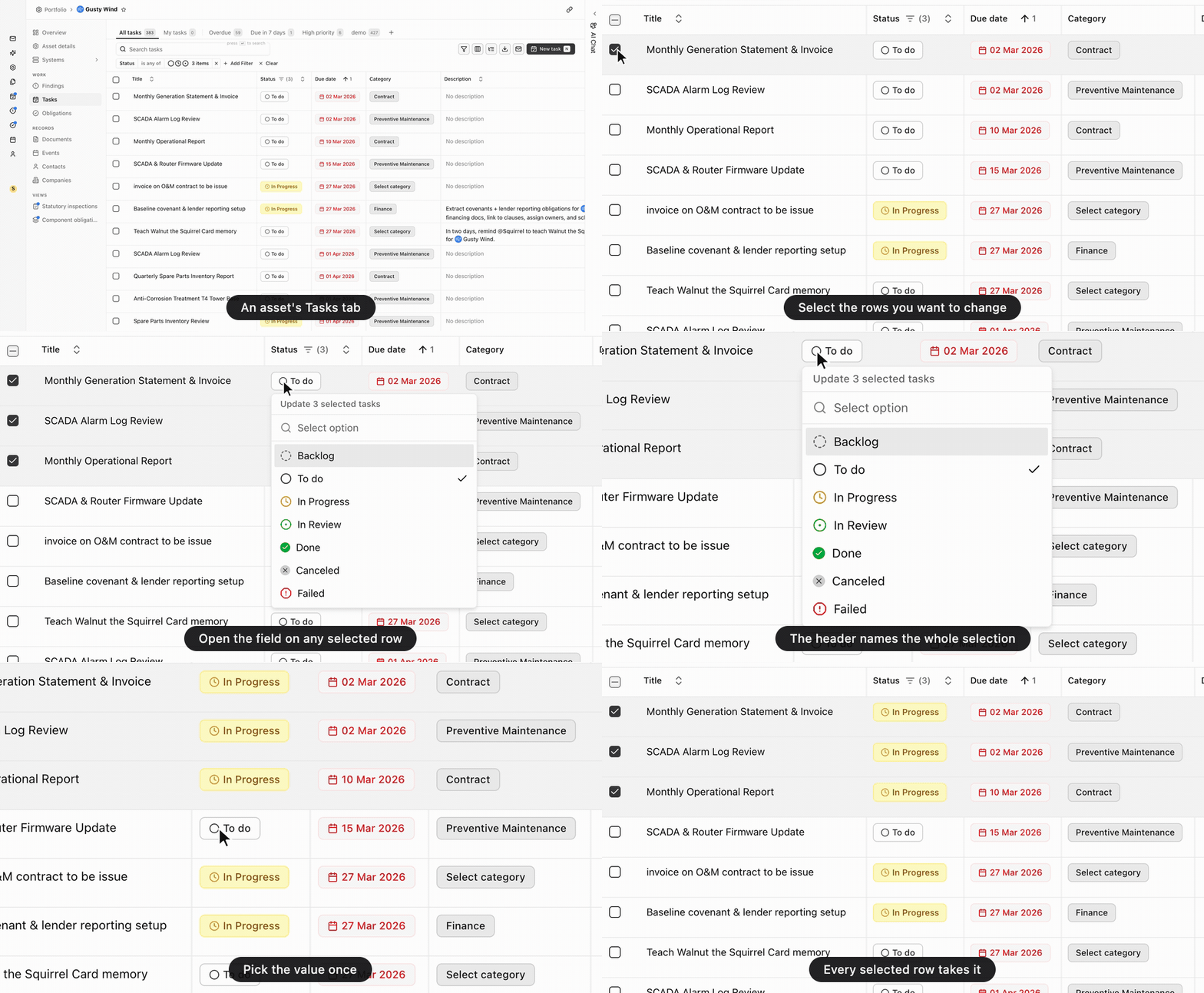
Select several tasks in a list and update their status or priority in one action, instead of opening each one. Triage after an inspection report lands in minutes, not clicks.

Covered in Reminders, Punchlist

EV charging assets

Assets

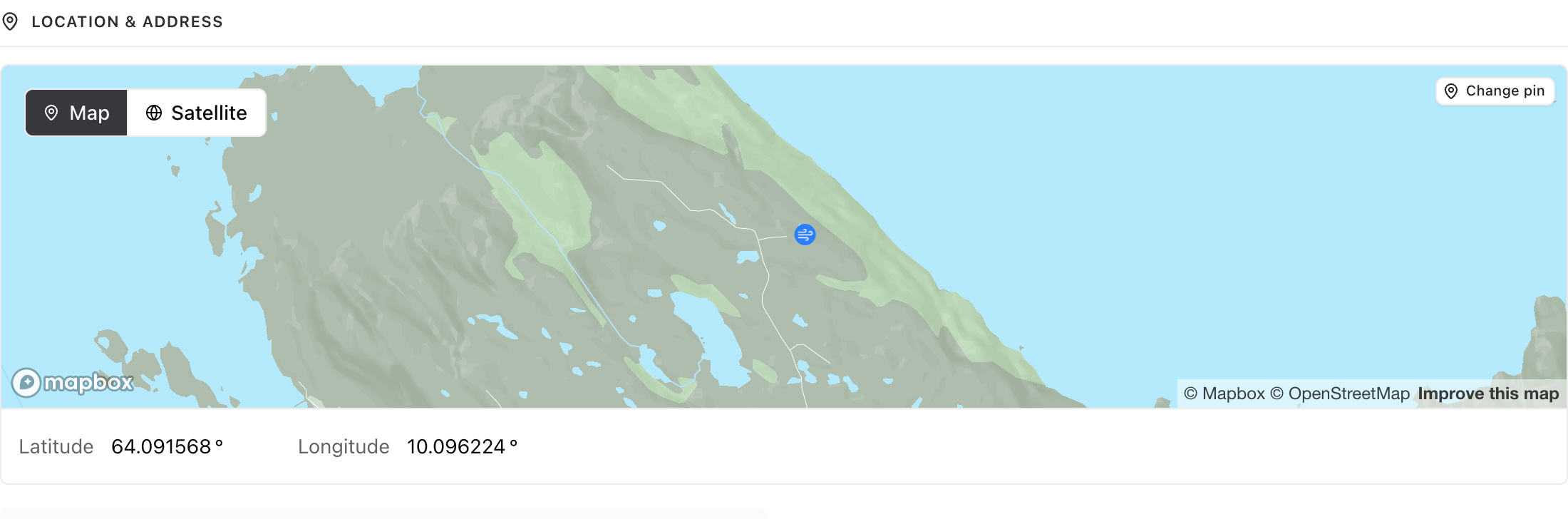
EV charging joins solar, wind, and storage as an asset type, so charging sites get the same home base as the rest of your portfolio: documents, systems, work, and people attached to the asset.

Covered in Core concepts

Saved views on every table

Filtering

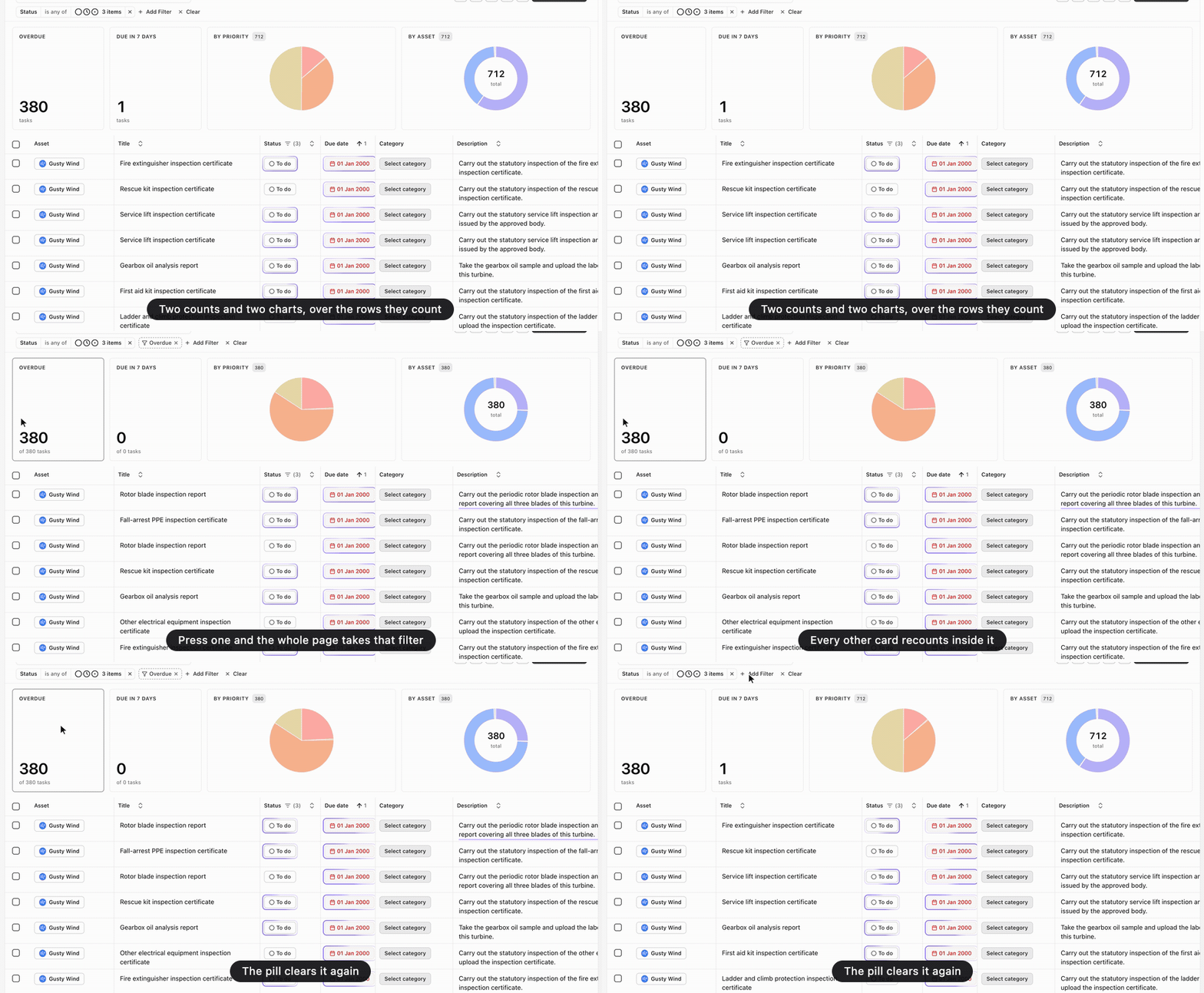
Every table now supports saved views, not only the handful that had them: name a cut of folders, filters, and columns and it sits along the top of the table for next time. The counts on filter tabs also refresh live when you edit a row, instead of going stale until a reload.

Covered in Filtering tables, Favorites and pinning