Set an asset's location by dropping a pin
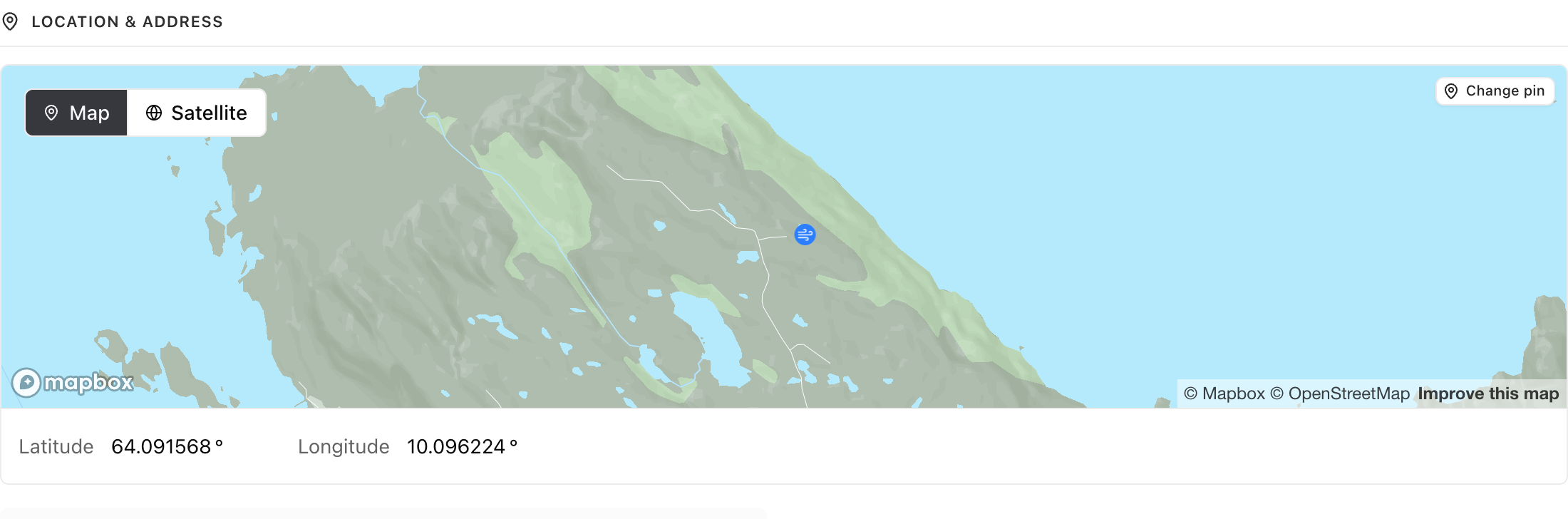
An asset’s details page draws the asset on a map, with its latitude and longitude in the panel under it. Change pin turns the map into a picker: the cursor becomes a crosshair, a click writes both coordinates, and Escape or Cancel leaves it. The pin and the numbers are one value shown two ways, so typing a latitude moves the pin and dropping a pin fills the fields. A pending coordinate suggestion draws a second, purple pin where it would land, and you accept it on the field as before.
Smaller changes
- Selecting a custom group in Obligations also loads that group’s own rows now, instead of waiting for the list to page far enough for them to appear.
Also in Asset overview, Suggestions, Obligations