Aevy opens on Home
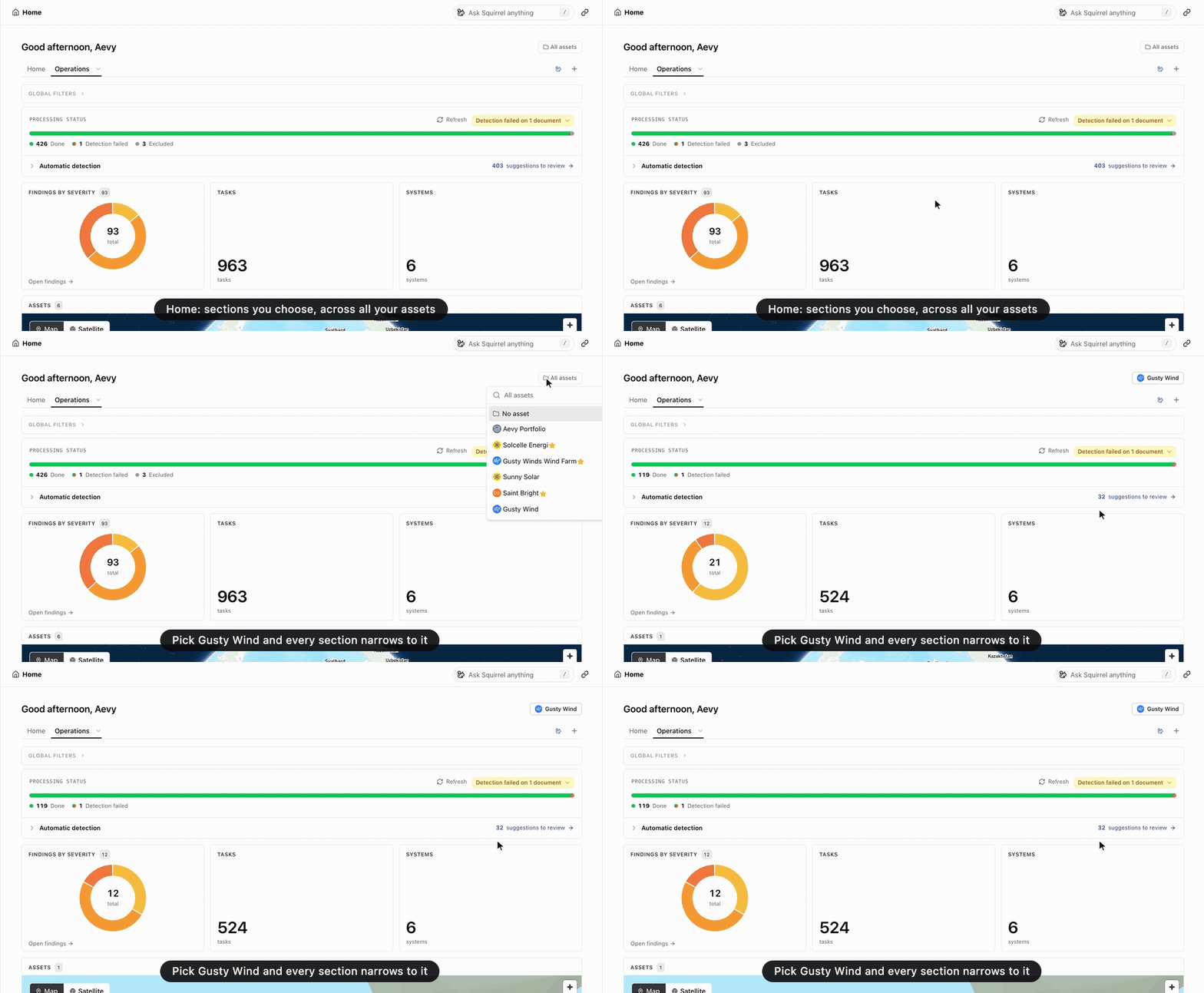
Aevy now opens on Home, at the address the Portfolio page had. It is your own dashboard: you add sections, each one a list, a table, a chart, a number, or a map of one kind of record, across all your assets or narrowed to one with the All assets picker. Keep several layouts as tabs and set one as your default. Only you see them. A new Map display draws assets and systems as pins that cluster as you zoom out. The grid of asset cards is gone: add an assets section, or use the Portfolio panel in the sidebar. An asset’s Overview works the same way, scoped to the asset, and its fixed charts became sections you add. Both pages open on Processing status, the same bar as the Documents page.
Also in Home, Asset overview, Getting around, Documents