Guides for recurring tasks and bulk updates
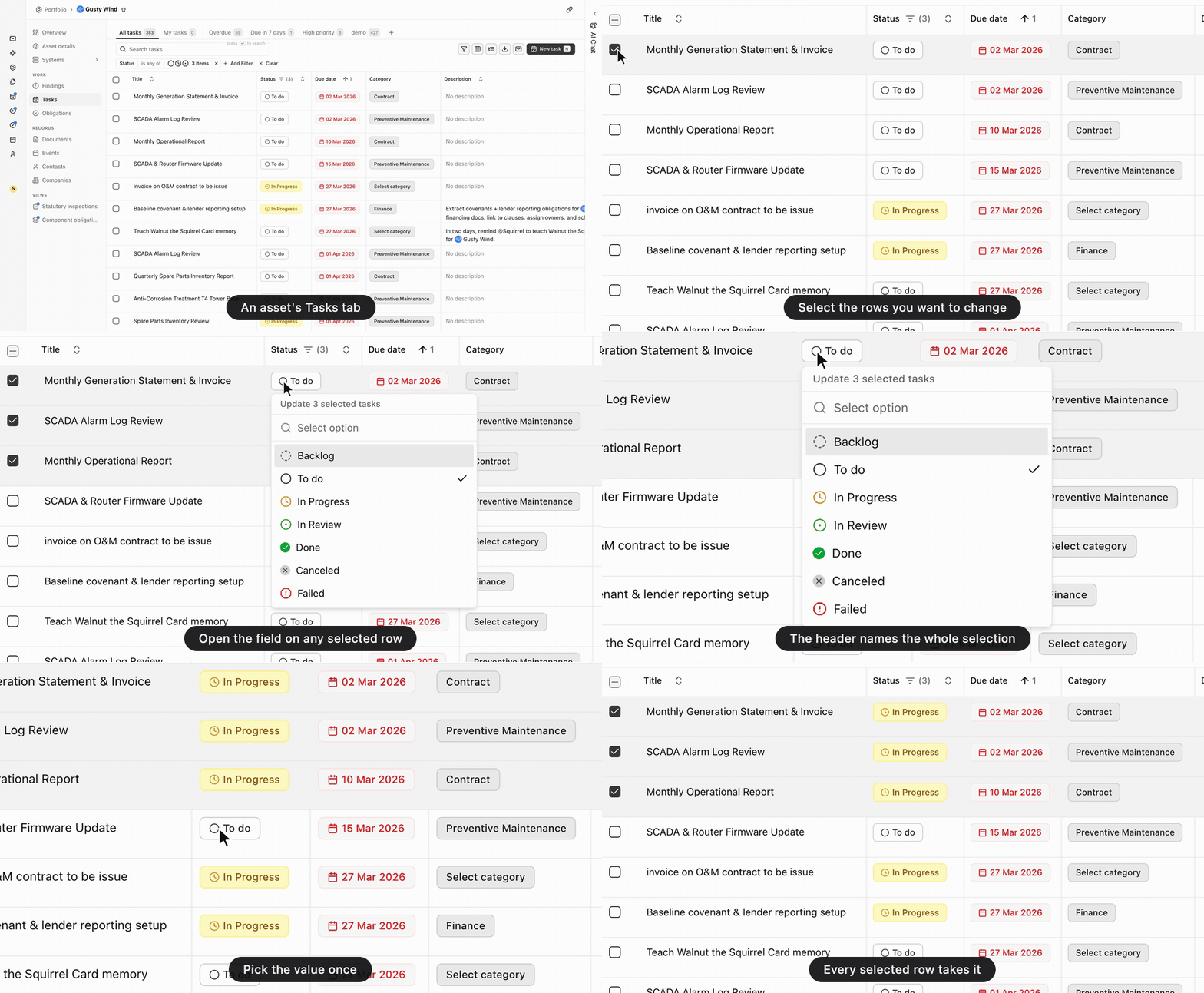
Three parts of the product that were in the app but not in the guides.
Recurrence, end to end
The tasks guide now covers the pattern, the span, and the preview of the dates it produces. It also covers what changing a series does to occurrences already scheduled.
Bulk updates
Bulk updates get a new guide. When you select rows in the Tasks, Findings, or Events table, the table’s own cell editors become an editor for the whole selection. Edit up to 100 records at a time.
Obligations against tasks
The obligations guide sets the two side by side, with the cycle that turns a contract’s cadence into dated work. It also covers what changes when you edit one rather than the other.