Tasks and findings summarize themselves
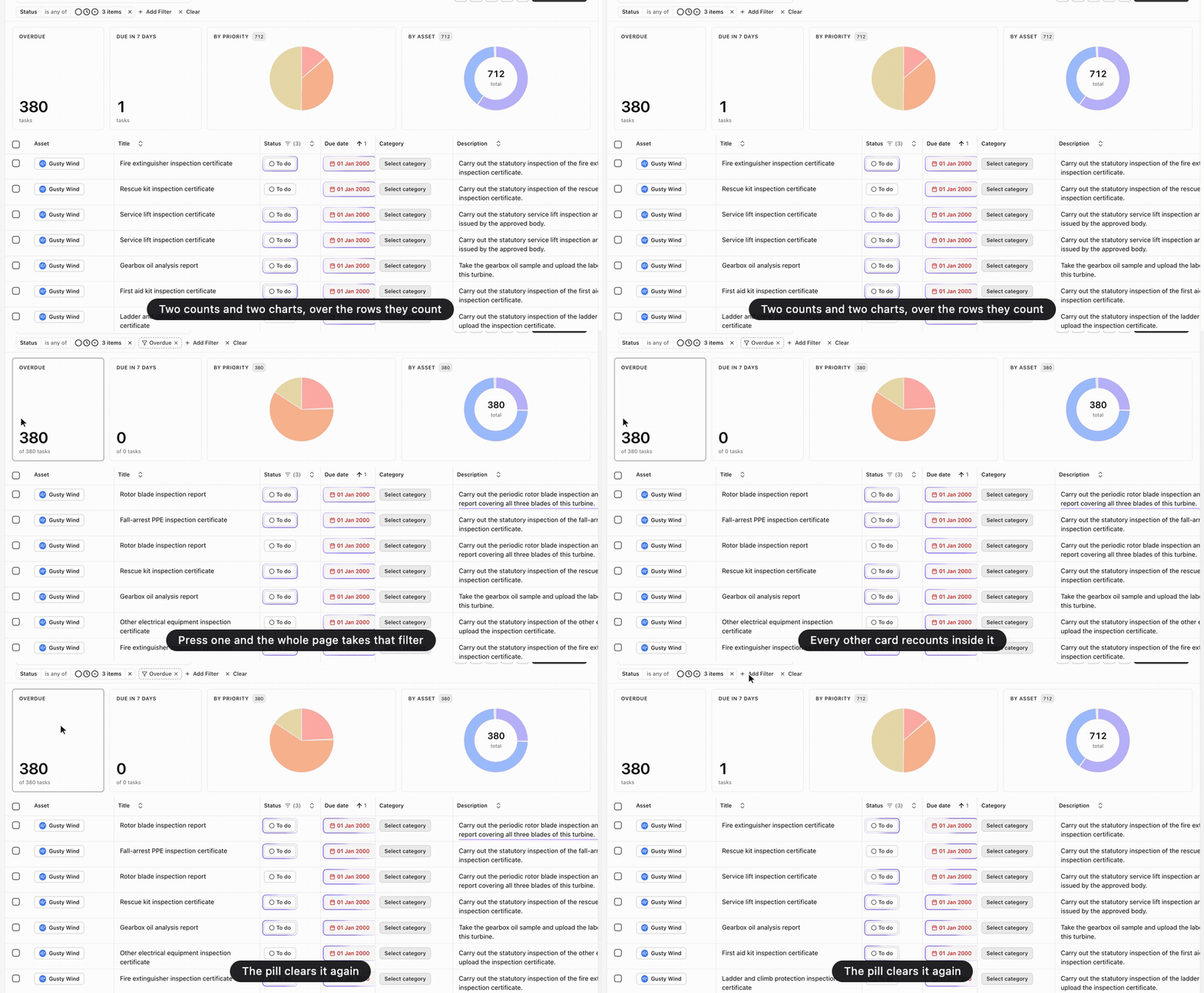
The Tasks and Findings pages have a strip of cards above their rows now. Tasks shows Overdue and Due in 7 days as counts, then how the list divides by priority and by asset. Findings breaks down by severity, and in Asset Management by system and by component, so the strip shows what that mode tracks. The page’s own filters scope every card, so the strip always counts the rows below it.
Press a count or a wedge, and the whole page applies that filter. It appears as a dashed pill in the filter row, named for the card it came from, and every other card recounts inside it. Clicking the pill puts the page back. The strip appears only where the table is the page. Inside an asset, the rows stay one part of a page that already has its own summary.
Also in Tasks, Findings, Filtering tables